 softfab.
01↗
Arrange it your way.
Use folders and nested pages. Drag to organize, or copy and paste a page into its new home.
Project Docs
Intent. Specifications. Plans. Evidence. Decisions. Give your project knowledge a home that people and agents can actually use.
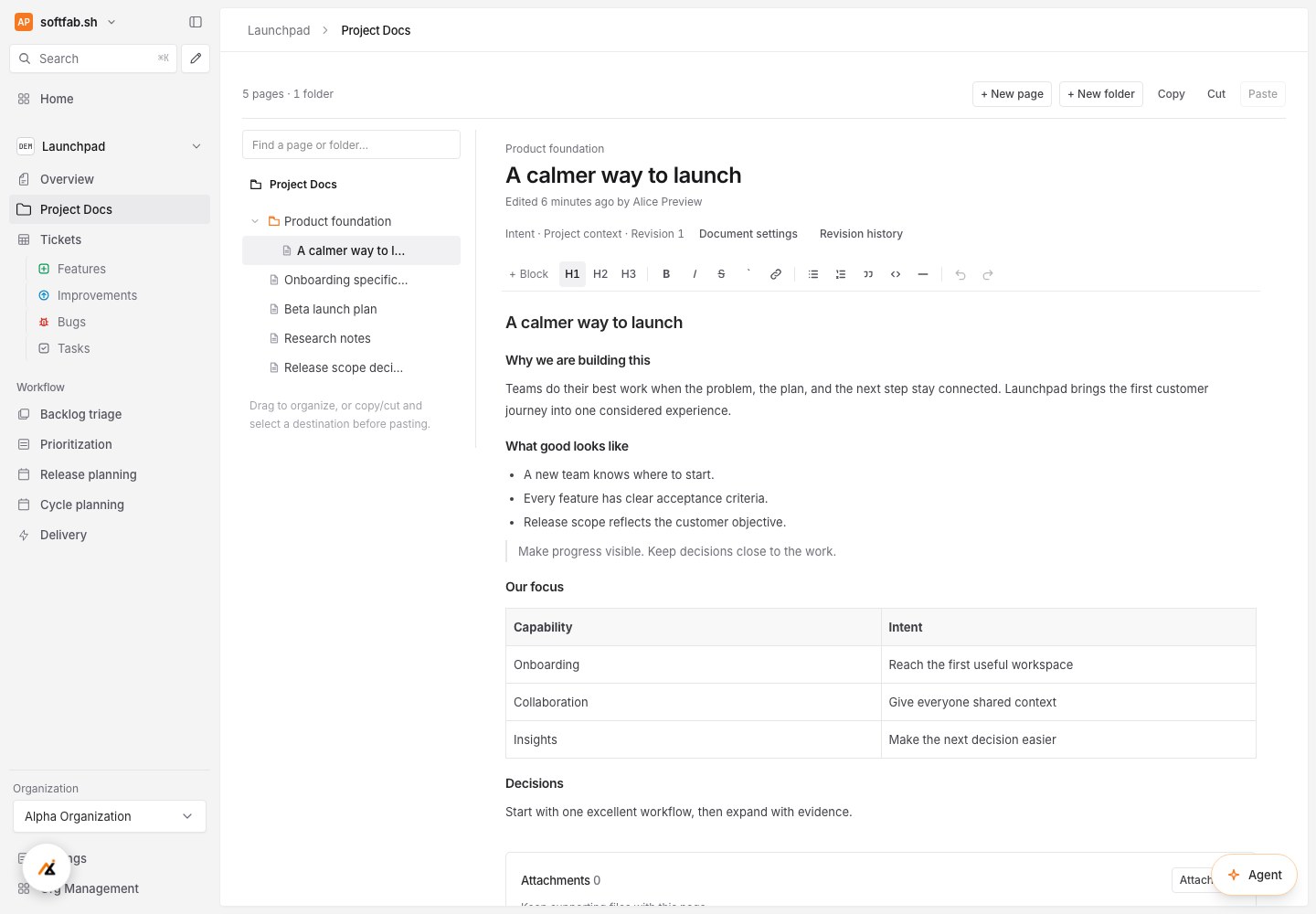
Use folders and nested pages. Drag to organize, or copy and paste a page into its new home.
Use slash commands for headings, lists, tables, code and images. Attach supporting files to a document.
Retain document revisions and link reviewed context to ticket planning as specifications evolve.
Context that travels
Keep the original request, structured plan, acceptance criteria and Activity together. Let agents work from the project knowledge and reviewed sources, rather than isolated prompts.
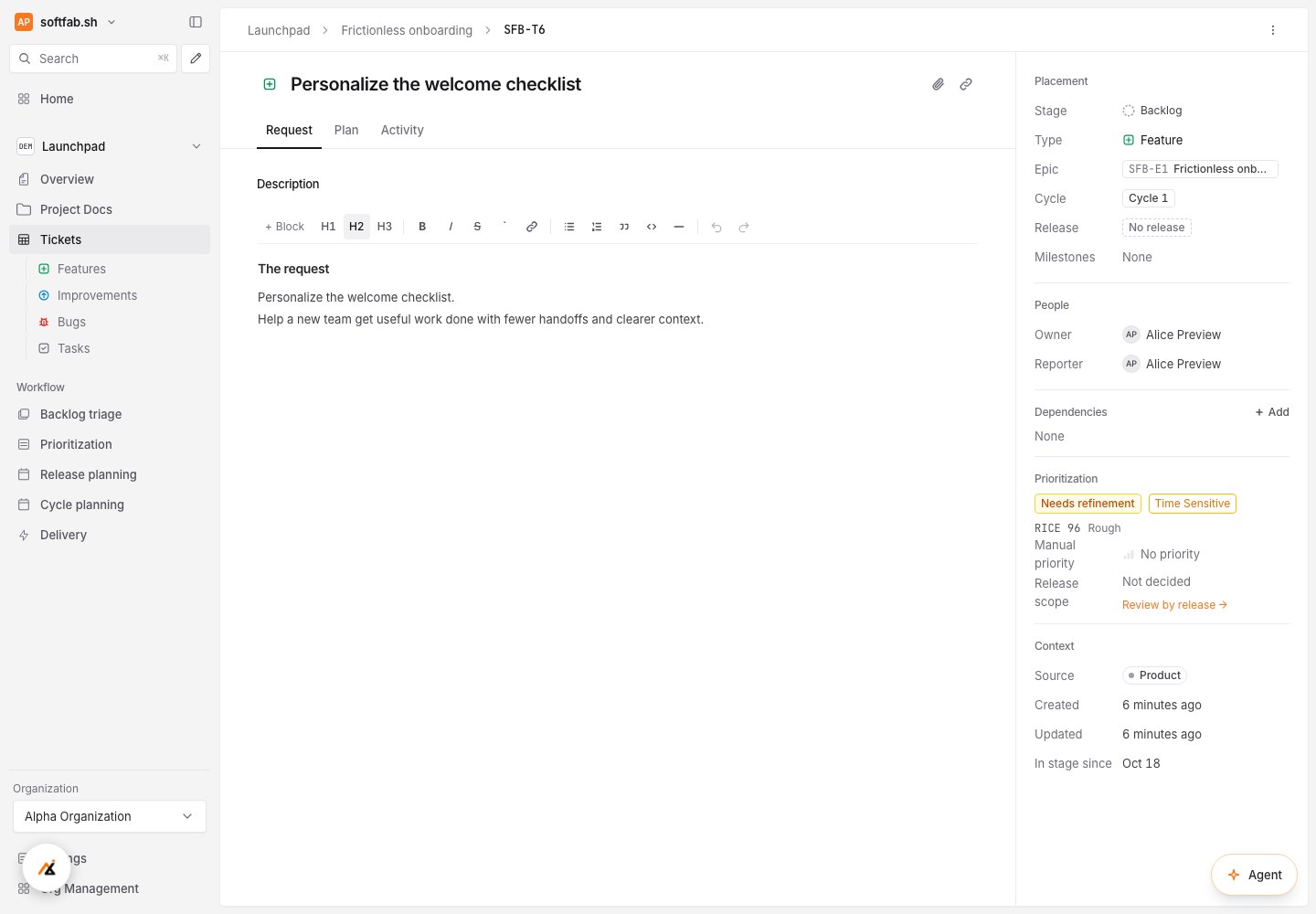
A little less overhead. A lot more forward.
Free during beta. Built for people and the agents they work with.